baby-kids embroidery
Milestones 4x4 Classic Pooh Bear Embroidery Baby Embroidery Numbers Digital Download | Lovesome Design
$6.00
-
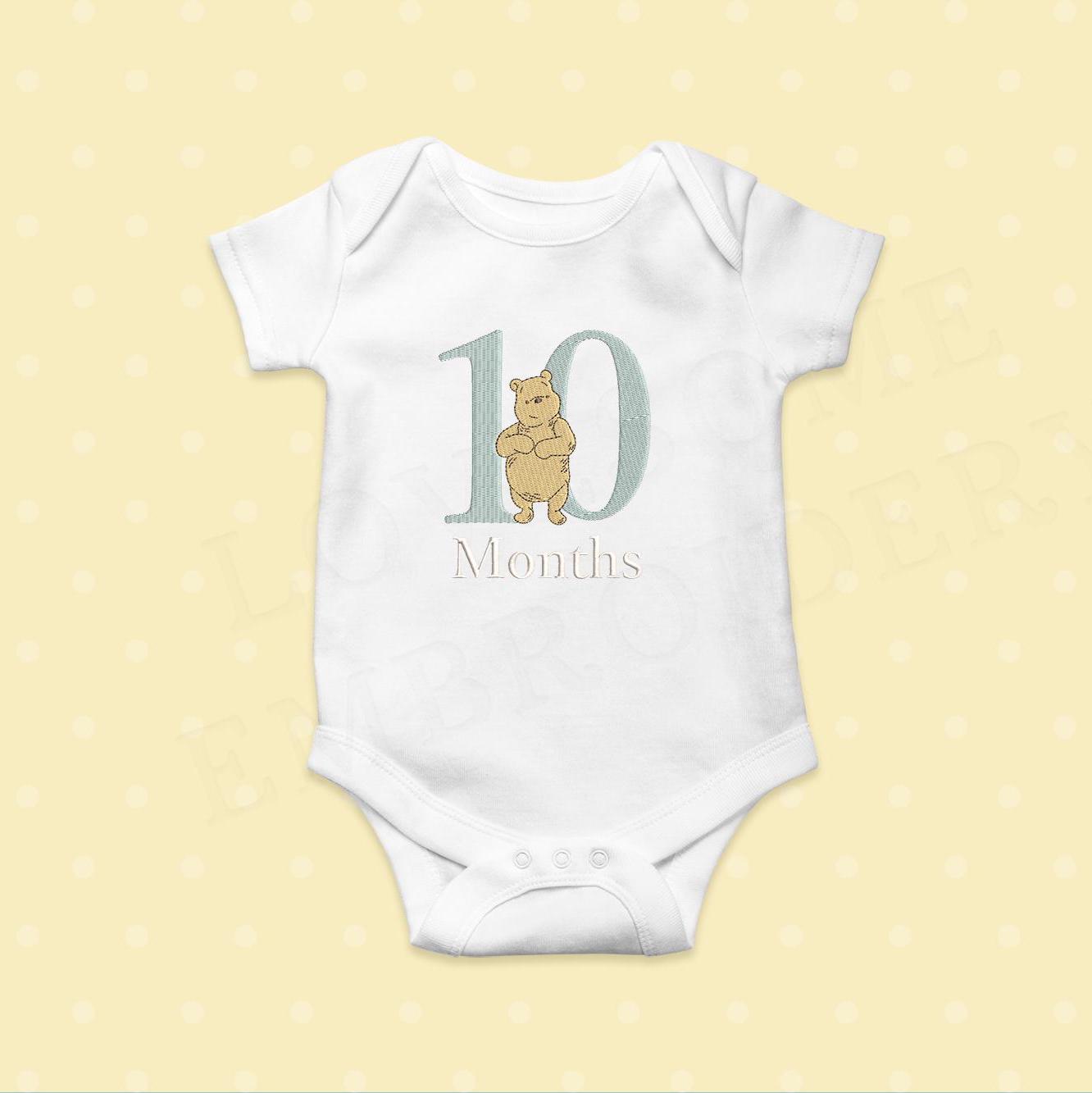
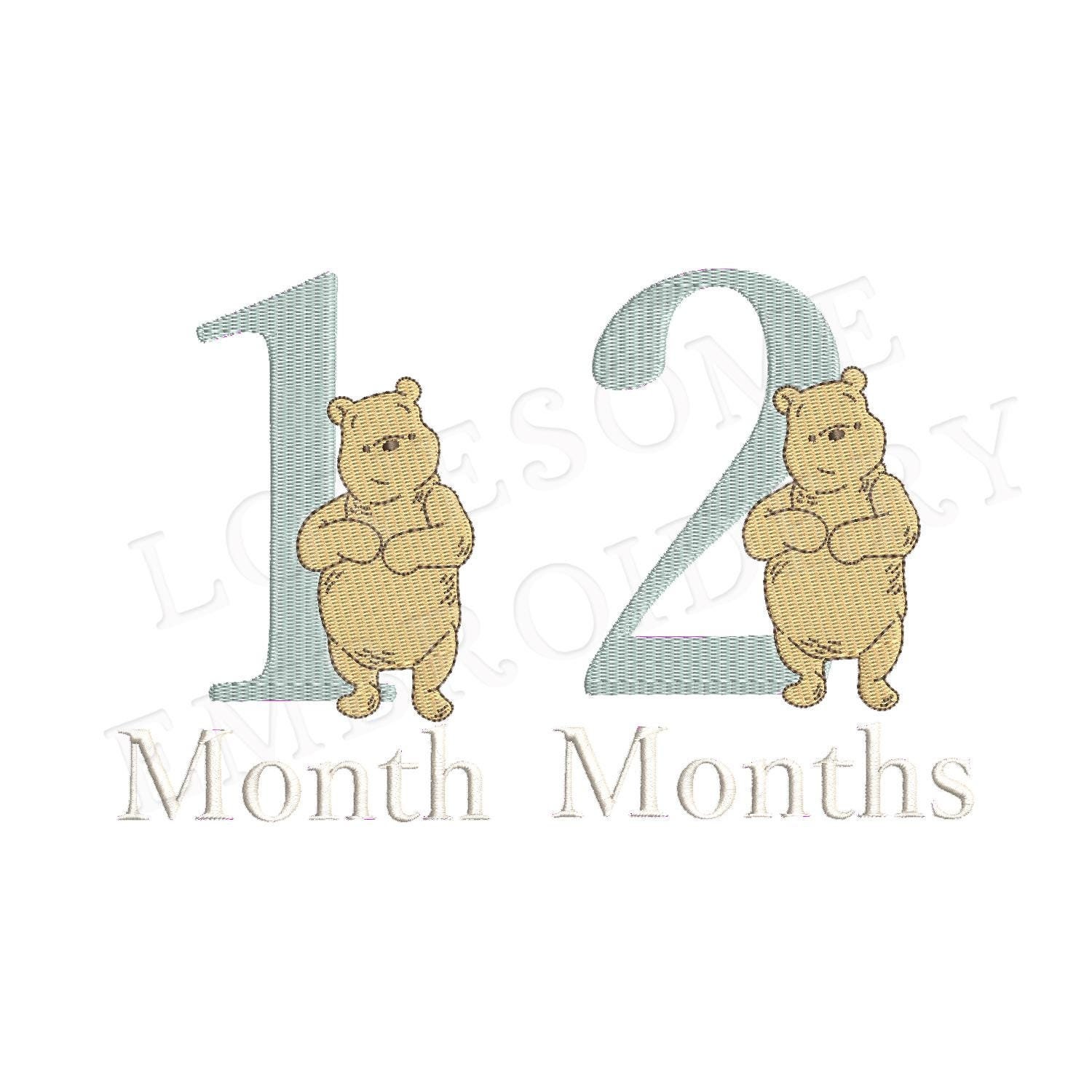
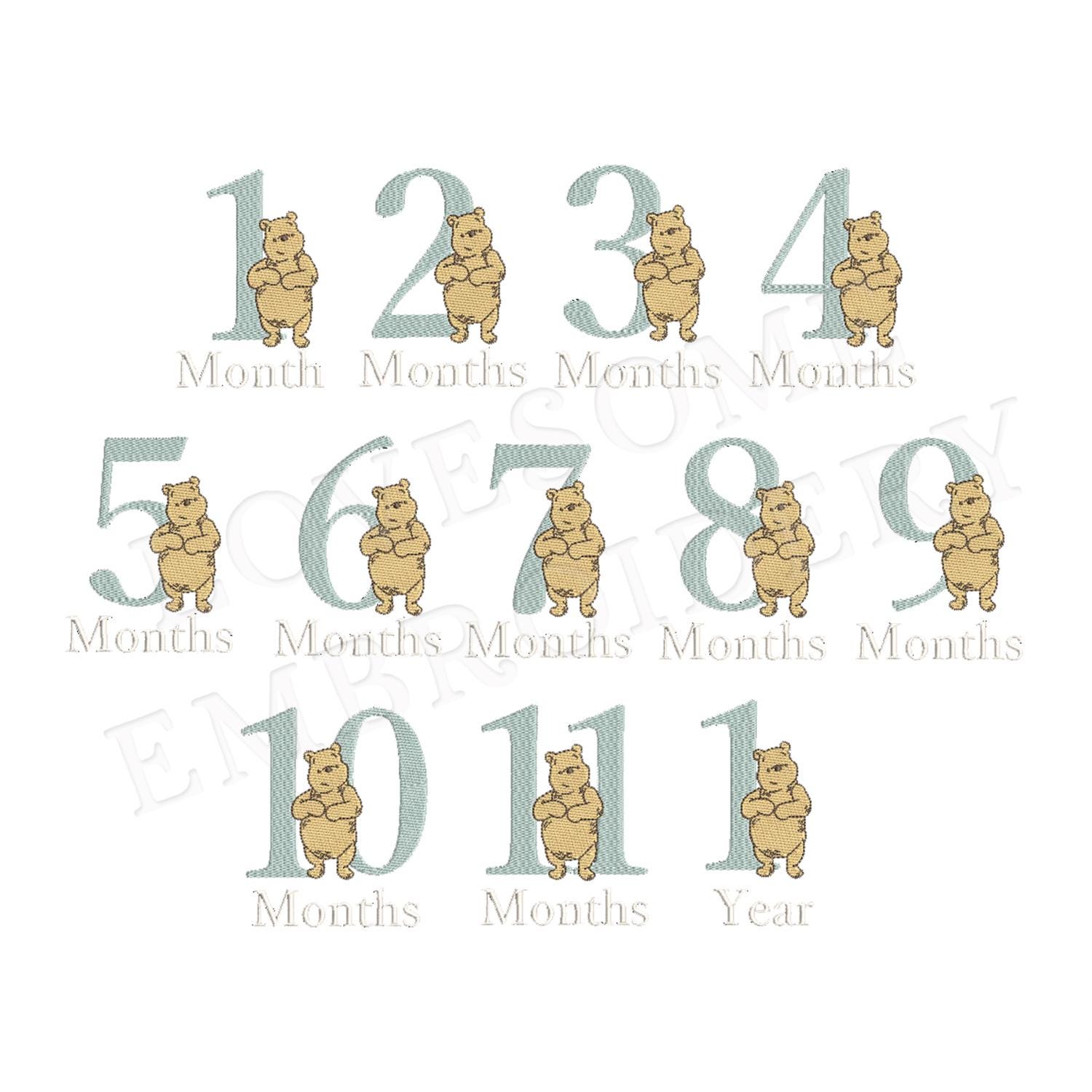
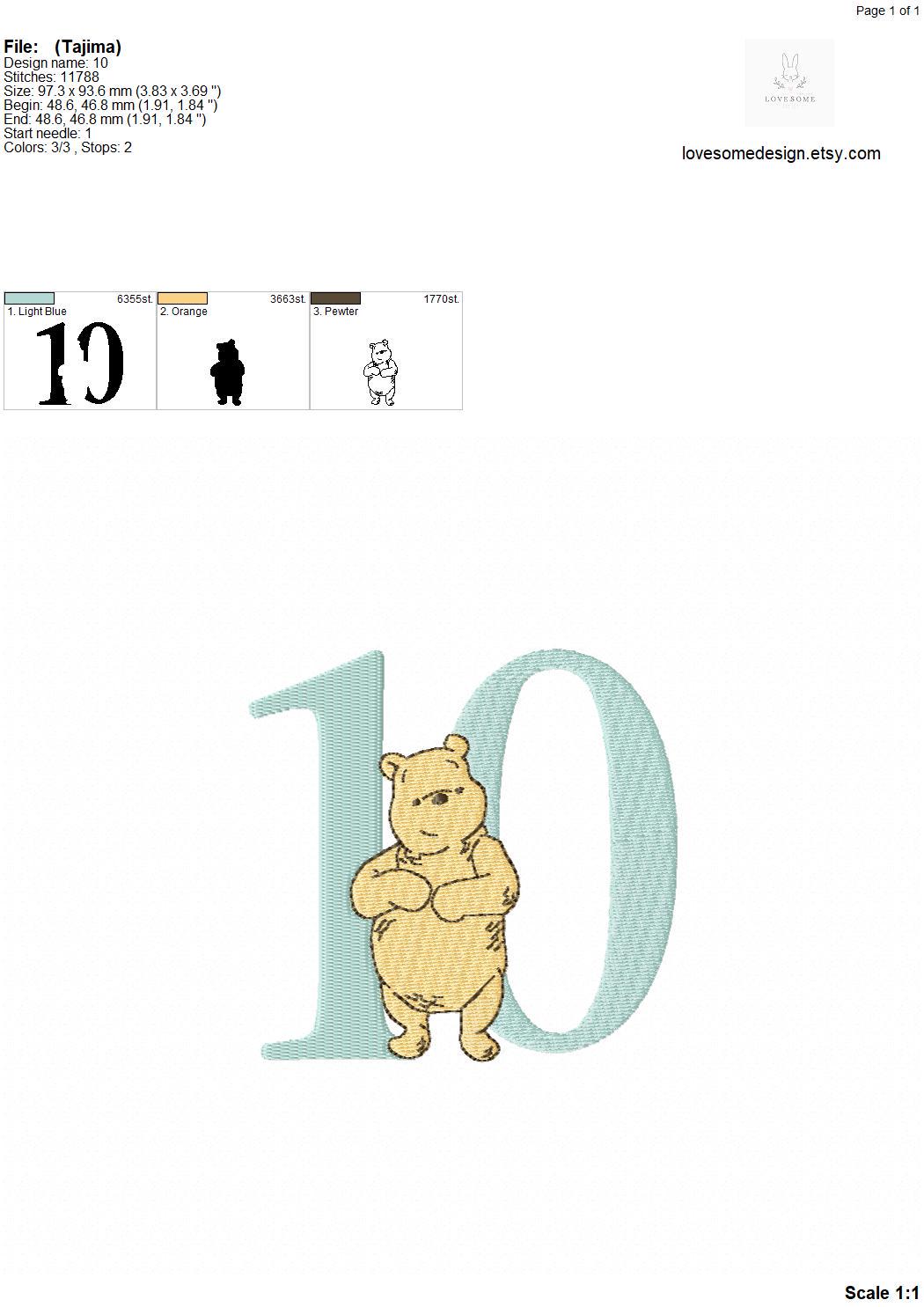
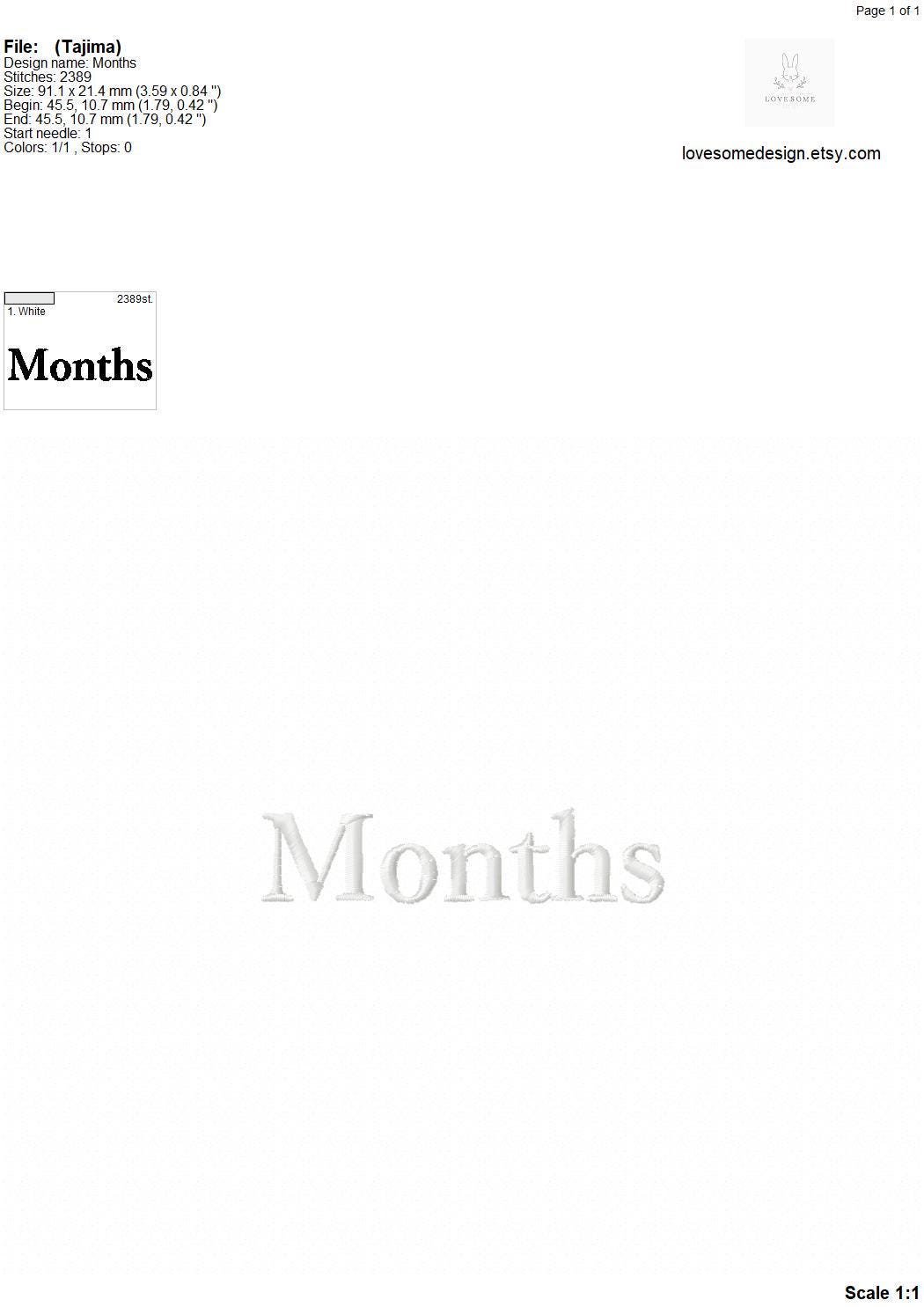
DetailsThis listing includes number design set of classic Winnie the Pooh and three letterings "Month", "Months" and "Year" in 4 inch size, can be stitched with two hoopings on 4x4 embroidery hoops. (For the whole set, pls see the listing images.)
This machine embroidery alphabet set is for 4x4 embroidery hoops. Great for customizing and monogramming. Either you are a DIYer or a small business owner, our embroidery fonts are perfect for your projects with its all colorful details.
**These are digital machine embroidery files which need an embroidery machine to stitch out. **
>> DETAILS
For stitch count, size and color chart, you can see the data sheet given in the listing images.
>> The Matching Blank Numbers can be purchased separately in shop, link here:
https://www.etsy.com/listing/1564052762/numbers-matching-with-peter-rabbit-0-9
>> FORMATS INCLUDED
- Instant download is available for DST, EXP, HUS, JEF, JEF+, PES, VIP, VP3, SEW and XXX.
- BX file is also available for instant download included in the font listings.
- If you need another file format, pls convo me before purchasing.
>> SALES CAMPAIGN IN OUR SHOP
♥ PURCHASE 10 ITEMS GET 40% OFF
♥ PURCHASE 6 ITEMS GET 30% OFF
♥ PURCHASE 5 ITEMS GET 25% OFF
♥ PURCHASE 3 ITEMS GET 20% OFF
(Applies automatically at Checkout, no Discount Code needed)
>> TERMS OF USE
- Commercial use is allowed to stitch on and sell physical items for small business owners (local or online) up to 1000 pieces.
- Personal use is always allowed for the DIYers who personally purchased the design/font.
- Resale or sharing of this embroidery design/font on any platform is strictly FORBIDDEN.
>> CUSTOMER SERVICE
- If you are not happy with the stitching result, pls feel free to write to us and send a photo of your stitching, before leaving a negative review. We are always happy to help, optimizing the file for your fabric choice and your needs.
- Due to the nature of instant download listings, refunds are NOT available (Please read each listing carefully prior to purchasing). However, we accept to provide refund in two cases:
1. If the buyer mistakenly purchased and paid for the same item twice,
2. If the buyer purchased, paid, but not downloaded.
>> BACK TO SHOP:
https://www.etsy.com/shop/LovesomeDesign -
Shipping & Policies
Digital downloads
Your files will be available to download once payment is confirmed.
Returns & Exchanges
Returns & exchanges not accepted
But please contact me if you have problems with your order
Frequently Asked Questions
Can i use these fonts/designs for physical merchandise?
Commercial use is allowed to stitch on and sell physical items for small business owners (local or online) upto 1000 pieces. It is not permitted to use for On-Demand Services (like Printful). And if you sell more than 1000 pcs, than you need to have the Extended License which is available here:
https://www.etsy.com/listing/1558530912/extended-license-for-one-etsy-listingWhy are the fonts and designs listed for one size?
This way the customer pays for what they need and what they use.
And also, we need to remind it takes many hours to release one single listing. We use the best softwares and equipments for digitizing. There is so much human effort in one item. Therefore, it is possible to purchase the designs and fonts separately in our shop. But you may want to use benefit of sale campaign in our shop as below:
BUY 20 ITEMS GET 50% OFF
BUY 10 ITEMS GET 40% OFF
BUY 6 ITEMS GET 30% OFF
BUY 5 ITEMS GET 25% OFF
BUY 3 ITEMS GET 20% OFF
Or you may want to choose from our multisize listings:
https://www.etsy.com/shop/LovesomeDesign?search_query=multisizeI am new to machine embroidery, how can i use embroidery fonts?
To use the fonts, we recommend to use Embrilliance Express which is free software and really practical. Here is the download link: embrilliance.com/express
Embrilliance uses a special type of file called BX (all our font listings include BX files).How can i use BX files?
Embrilliance uses a special type of file called BX (all our font listings include BX files). Embrilliance Express is free version, download link here: embrilliance.com/express
1. Open your Embrilliance Express, then press the blue A icon on the upper menu first. Then it gives an "ABC" on the screen.
2. Go to the right lower menu where you can edit these "ABC" letters. Drag and drop the BX file toward this section (right lower menu).
3. You can see now the new font name listed on the dropdown menu of the fonts.
4. Click on "ABC" and type your text on the keyboard. Align as you wish.
5. Save the design. If it tells you that it is a demo, just continue. That's it!Where can i find size information, stitch count or color chart?
You can find the details like exact size, stitch count and color chart on the technical document which can be viewed within listings images.
Can i resize or alter a font/design i purchased?
Resizing the original design may occur some stitch losses and deformations. This can not be prevented, because it is calculated by your editing program.
We can not guarantee the design quality when it is resized or altered. All we can do is to advise not to resize or alter the designs. If you do, it is your responsibility.
We do recommend to stitch a design or font file in the size it is purchased to get the best stitching results.How can i download my purchase?
If you visit the page "Purchases" on your Etsy account, you can see the zip folders and download them as you wish. But if you still have problem, pls write us an email address and we send the files at your email address manually.
What is the difference between a quick stitch (sketch fill) file and a fill stitch file?
If an embroidery design is fully stitched with no gaps it is called "fill stitch (sketch fill) design". It means the file has a high stitch count and needs a higher thread consumption. It is the full stitched and classical version. Since you can not see the fabric through, it can be applied on fabrics of any colour.
And if the embroidery design is a "quick stitch design", it is stitched with a pattern which has some spacing between stitches and has a lower stitch count. It looks like a light fill and it is time and thread saving version. Since it is transparent, the fabric can be seen through the fill areas, so the fabric needs to be choosen carefully. It is usually applied on light coloured fabrics.
Related Products